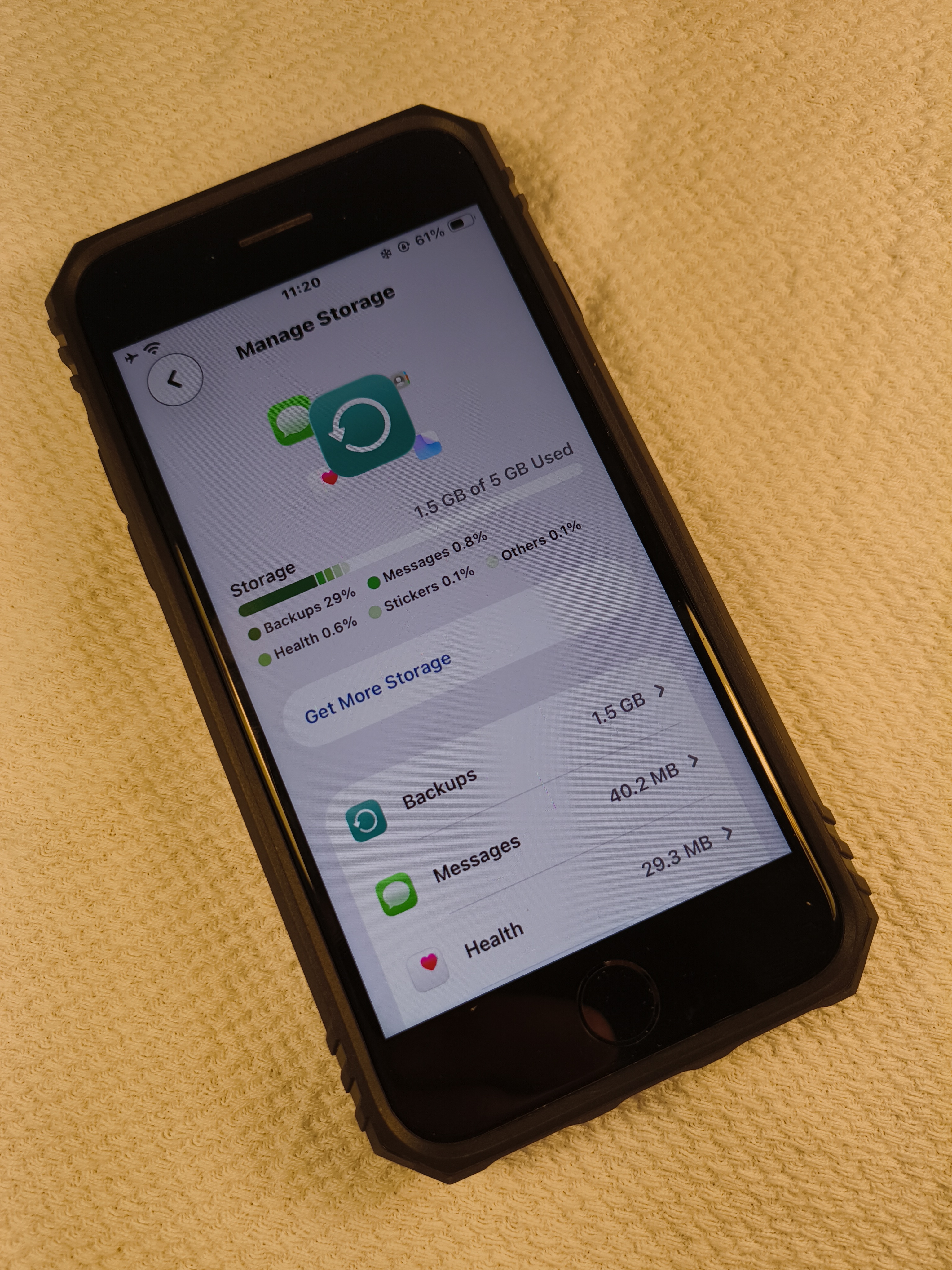
LINCOLNWOOD — When I started using an iPhone in 2011, I used the same iCloud account that I had created six years earlier in iTunes to use with an iPod. Five gigabytes was an adequate amount of iCloud storage space for a 16 gigabyte iPhone at the time. However, after accumulating more devices over the years, I soon realized that 5 gigabytes was insufficient for multiple devices, but five gigabytes remained plenty of iCloud storage per device. Thus, I created a new iCloud account for an iPad.
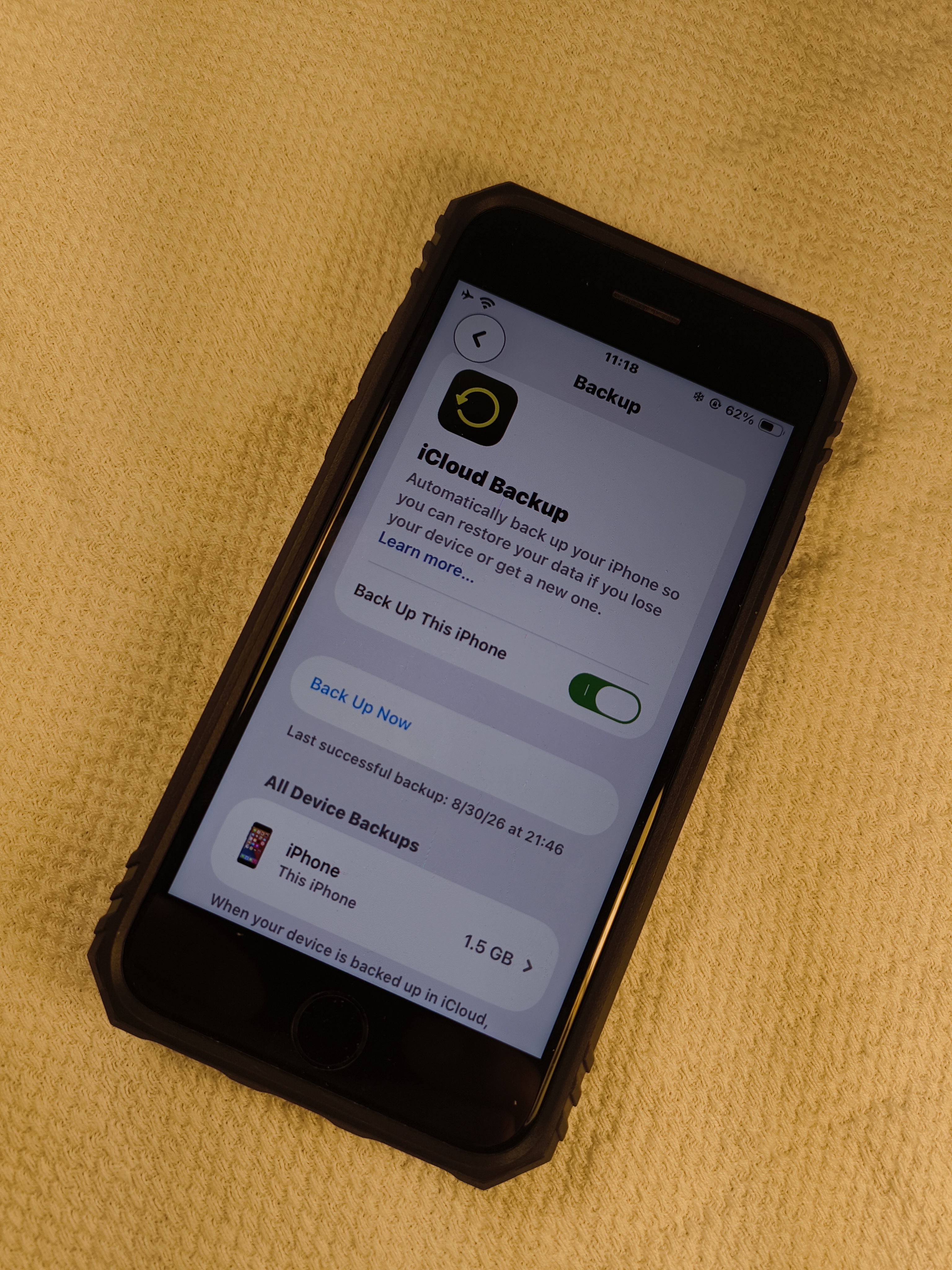
I also manage the computing devices for family members who may have problems with technology. Most notably, the pop-up commonly says that iCloud storage is full, and family members commonly confuse that with device storage. So I did the most logical action which was to log each device out of iCloud except for one device and create new iClouds for each logged out device. The pop-ups disappeared, so problem solved. Each family member can continue using each iPhone and iPad exactly as they desired.
People who are entrenched in the ‘Apple Ecosystem’ might complain “what about Handoff, AirDrop and iMessage?” All three of these things still work perfectly while each device is logged into its own iCloud. iMessages can still be sent between any iPhones, iPads and Macs in the entire world via iCloud email addresses.
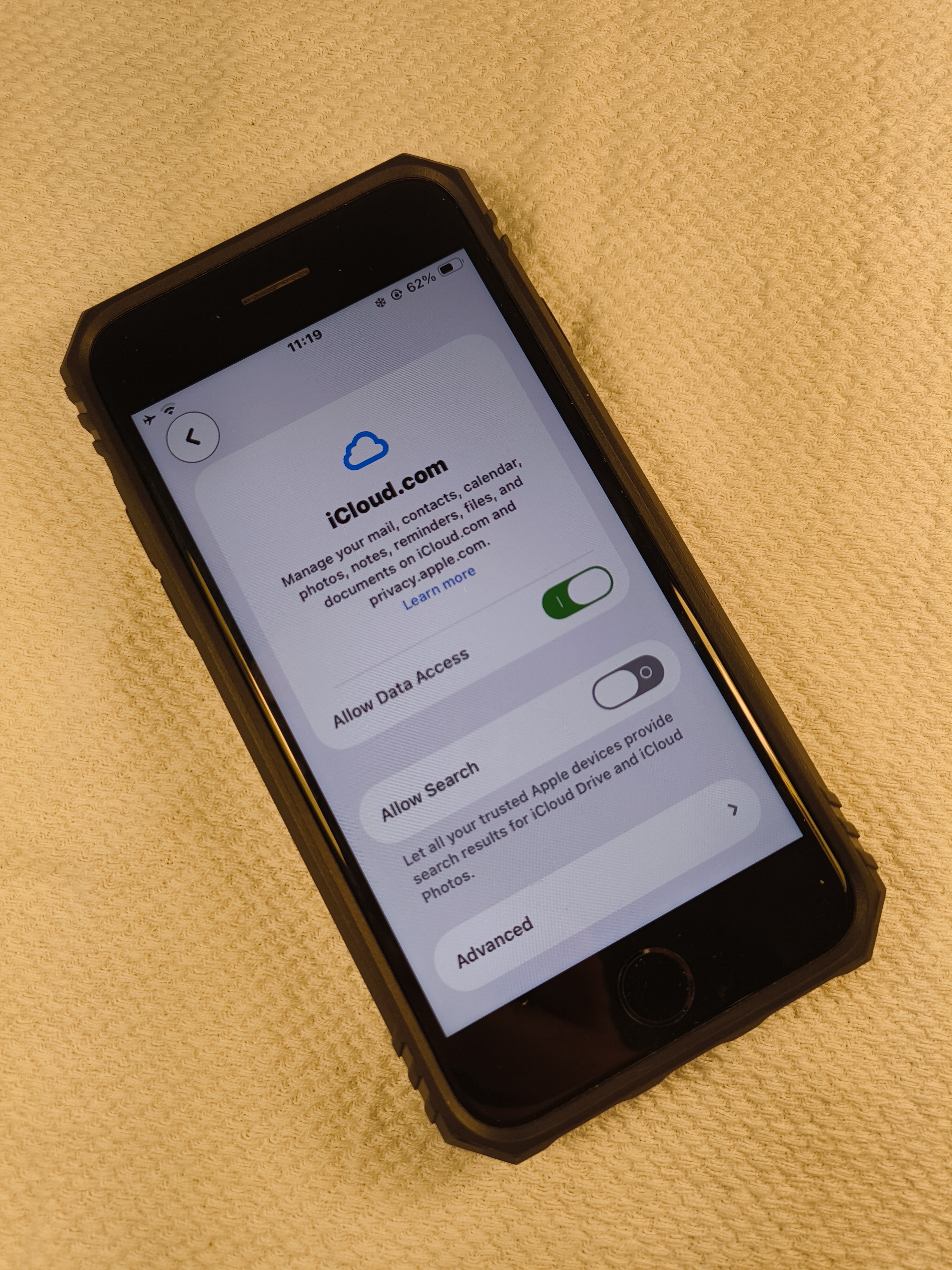
AirDrop still works by doing the same action, which is to send files between devices by choosing the name of the device or the name of the iCloud. AirDrop actually works much more efficiently because I get an Accept/Decline dialogue box for each transfer. If I accidentally AirDropped something, I just click ignore on the receiving device or just ignore it.
To simplify iMessages and AirDrop, it is important to store each iCloud email in the contacts app with appropriate labels, such as the family member’s name and device name. For example, the contacts’ names for seven possible devices may read: Father’s iPad, Mother’s iPhone, Sister’s Mac, my iPhone, my iPad, my Mac and Brother’s iPad with each one listing a different iCloud email address.
What about Handoff? Well, I have never used Handoff because I always opt-out of that in the settings of my devices. We should also answer what Handoff is, and that is basically a copy and paste system between devices for just one copy and paste at a time (such a limitation). Also, there is a much more efficient method than using Handoff, which is to just use iMessage between one’s own devices and other people’s devices. iMessage even stores a history of past copy and pastes for later usage, so it is already better than “Handoff.” Some things that are commonly copied and pasted between devices include URL links, images, strings of text and video, and they all work via iMessage. If something is required to be copied and pasted to multiple devices, the group message function works splendidly well in iMessage.
So, we have established several advantages of using one iCloud account per Apple device rather than a shared iCloud between devices. To recap, getting five gigabytes of iCloud per device and iMessaging the different devices makes each device and their interactions intentional. AirDropping files between the different devices and copying and pasting between the different devices makes all the devices work more cohesively than otherwise. Above all, using the Apple ecosystem exactly like this gives intentionality and cohesion for each device’s purposes and usages.
Beyond these basic logistics, there are actually more advantages than what meets the eye. The cybersecurity benefits really make this Apple ecosystem far more secure than Apple’s intentions of just one iCloud account for all of a person’s devices. A few cybersecurity concepts include blast radius reduction/compartmentalization, lockout resilience, no single point of failure, reduced attack surface per iCloud account, Principle of Least Privilege (PoLP), device segmentation and auditability.
Let’s briefly go into each cybersecurity concept. Blast radius reduction/compartmentalization is a security feature that prevents ill-gotten credentials from accessing a person’s other devices. Credentials might be phished, leaked in a breach or otherwise compromised. Only one device would get affected, instead of all other Apple devices that a person owns getting affected. Photos, messages and files can always be intentionally sent to one’s other devices, but there will be no unintentional sending of data between devices.
Reduced attack surface is a security feature for this Apple ecosystem of multiple devices because each iCloud account only holds a minimal amount of data that is necessary for each device’s actual use case. An iPhone could be for professional contacts, calls and messages, while an iPad is for drawing, handwriting and media consumption. Thus, an attacked device only compromises the minimal footprint of just one device and not the data stored on both devices.
Lockout resilience keeps a person safe against forgotten passwords, lost 2-Factor-Authentication (2FA) devices, flagged or locked iCloud accounts or account recovery disputes by keeping each device isolated. The person still has full access to the other devices in any of these circumstances on any one device.
I actually personally felt the lockout resilience of my Apple ecosystem set up earlier this summer when one account required a password reset, and Apple forced me to wait six days to reset that iCloud password. I waited for that one device’s iCloud’s password to be reset after six days, while using the other Apple devices contently and without any interruptions. Thus, there was the resilience that I felt.
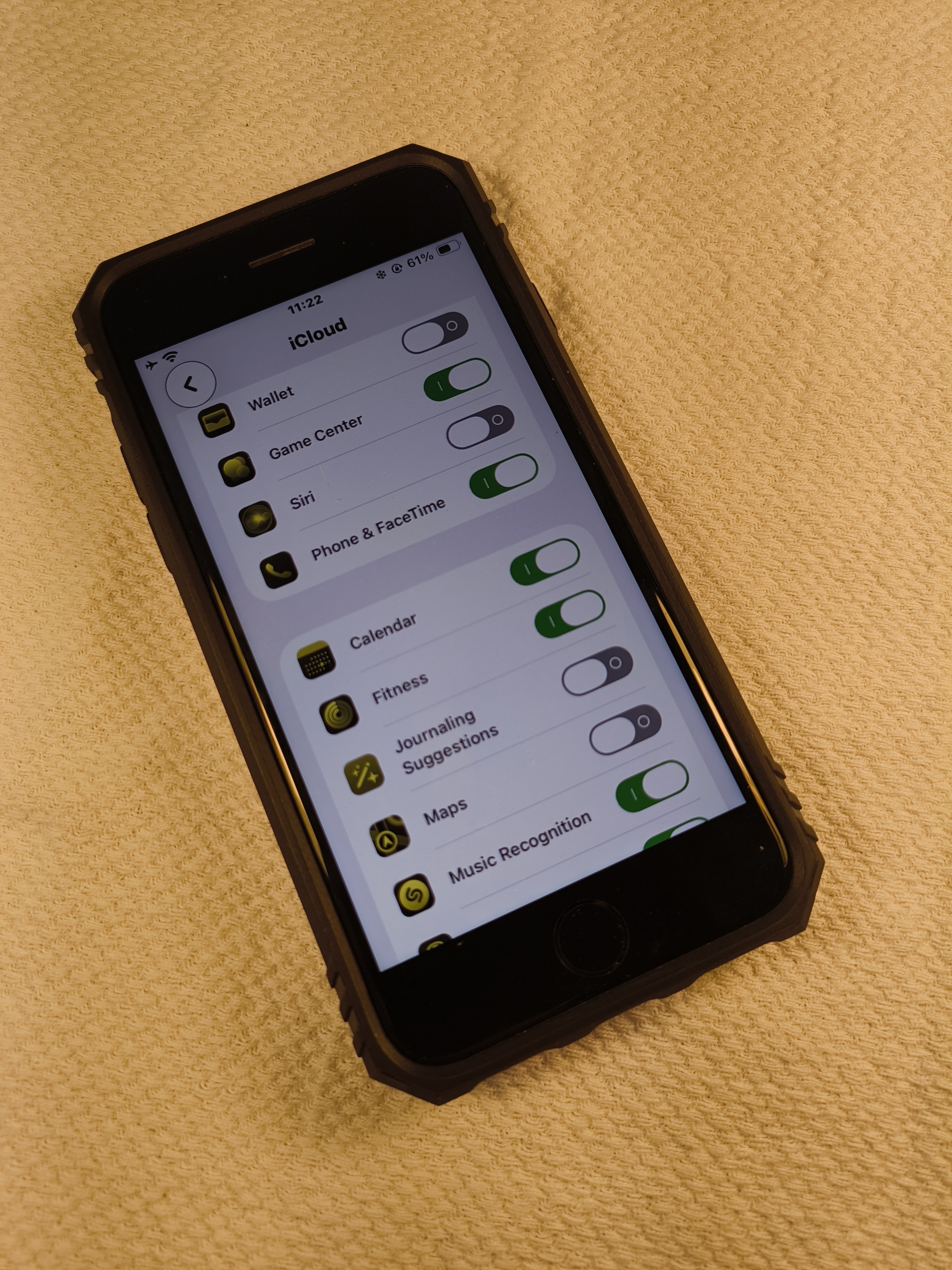
Furthermore, I actually found a bit of a workaround via the Apple Mail app of each device because during those six days, Apple suggested that I click a password reset link for that particular iCloud in an Apple Mail app that is already signed in to that iCloud email address. I have yet to test out to see if a password reset link gets emailed to any iCloud email address.
I can actually log into every single iCloud account of mine into each of my devices’ Apple Mail apps as a “Trusted Device” that is verified and able to propagate the annoying six-digit 2FA codes. These are the 2FA codes that are delivered as full screen pop-ups on any Apple device regardless of the app that is on screen at the time. Thus, I am less reliant on receiving SMS codes from Apple, and each of my Apple devices can authenticate each of my other Apple devices, while using separate iCloud accounts. It truly is set it and forget it in terms of cybersecurity practices.
Single point of failure becomes completely mitigated because again, one username and password only gets into one device and not all of the devices. For example, if a creeper is looking at device passcode on your iPhone in a bar and later steals that iPhone, then only that iPhone is at risk of malicious activity, while the iPad and Mac at home are perfectly safe.
PoLP mitigates one device’s files from being unintentionally copied to all devices. If one iCloud account is used across multiple devices, then any one of these devices can be stolen with the identical personal data on them. Essentially, PoLP allows a doubling down of only keeping the necessary files on each device.
Device segmentation is a fairly straightforward cybersecurity concept which allows one device to be dedicated to personal data, another device for work data and another device for school data. Segmentation can help to prevent any user from accidentally sharing non-safe-for-work (NSFW) content with work contacts.
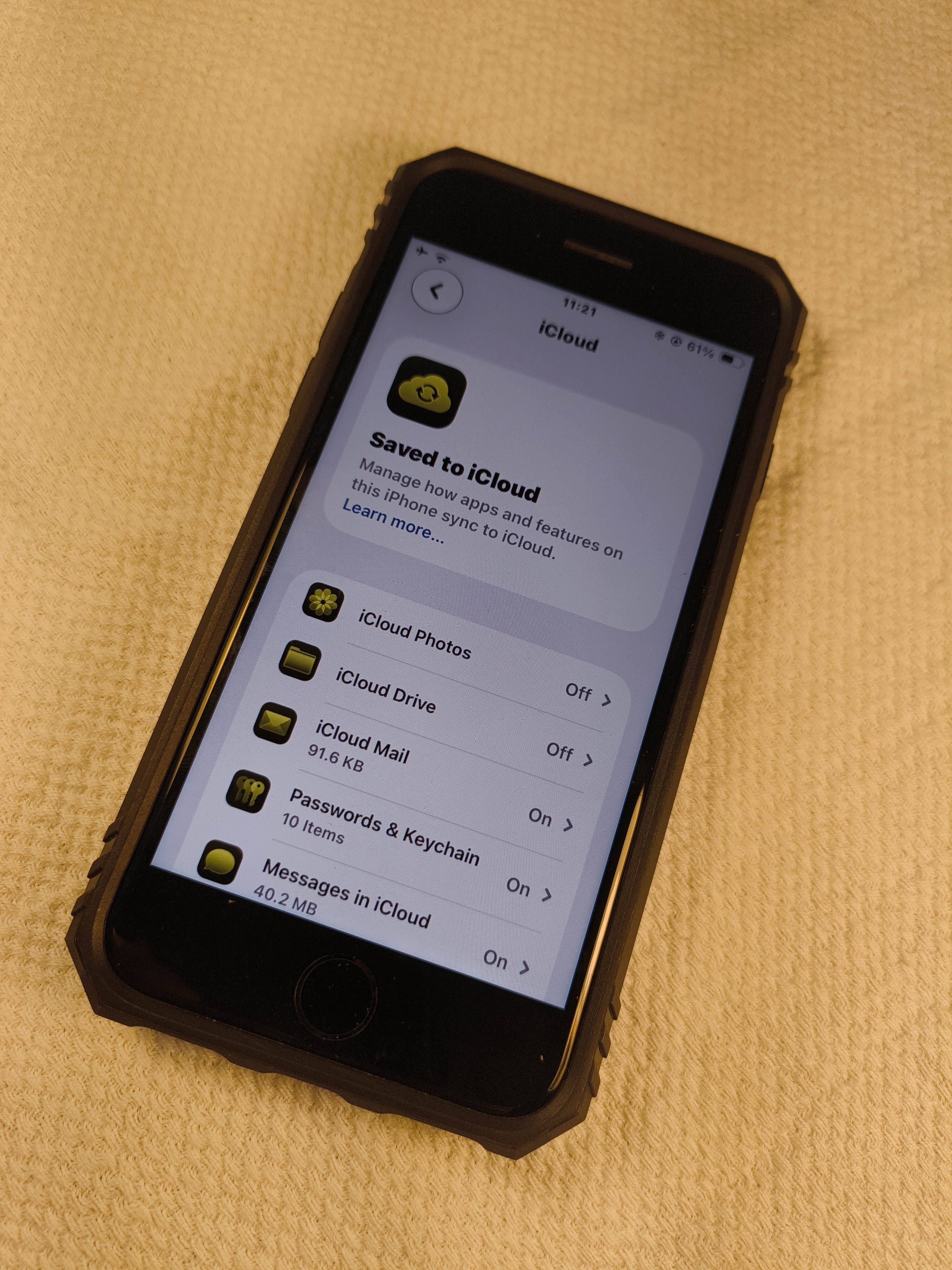
Having a separate iCloud per Apple device enhances the cybersecurity practice of auditability by keeping each device’s files organized. For example, one device might be for media consumption, social media doomscrolling and games, while the other device gives a completely different mindset for serious business and privileged content and files.
It just makes more sense to use a separate iCloud for each device because each device does different actions. iPhones are for calling and texting. iPads are for drawing and handwriting. Macs are for scripting, coding, video editing, photo editing, writing, presenting and calculating. Apple’s intentions are for iCloud to copy everything that is done on one device to the other devices, which just feels so wrong because there are major distinctions between devices.
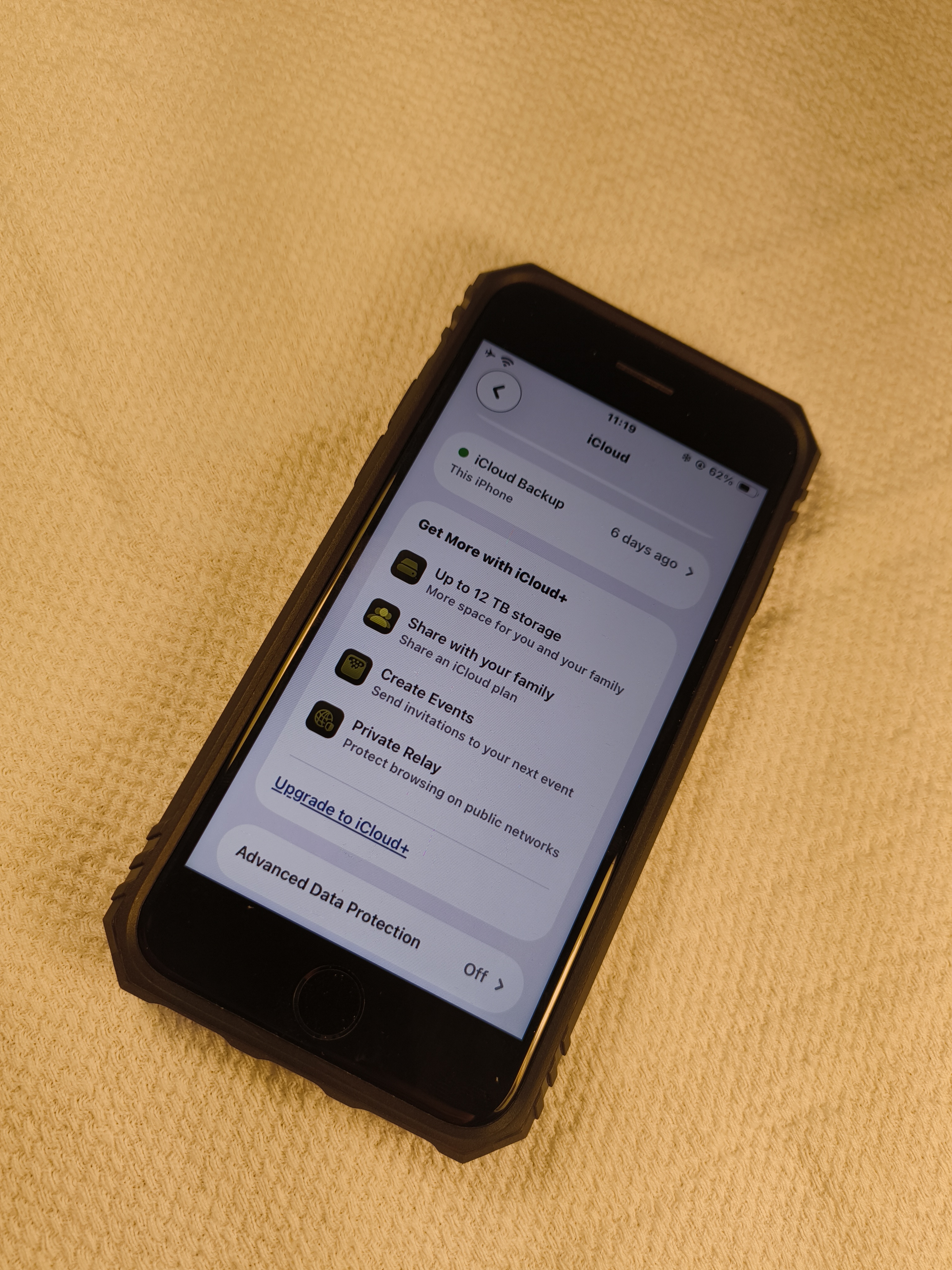
The only logical reason Apple would prefer its users to use one iCloud across multiple Apple devices is to rent bigger remote hard drive quotas to each user. iCloud is exactly that! It is a remote hard drive owned and controlled by someone else. In terms of revenue, renting bigger iCloud hard drives only does one thing that Apple really desires, and that is to drive up Apple’s services sector.
Humans are the ones who put these companies in power—without paying customers, they would have nothing. It is time people started treating their iCloud accounts the way they actually are: cheap, disposable, replaceable units, not a single precious vault to protect at all costs. Control and self-efficacy are within the consumer’s hands and not the companies’ that artificially gatekeep control.